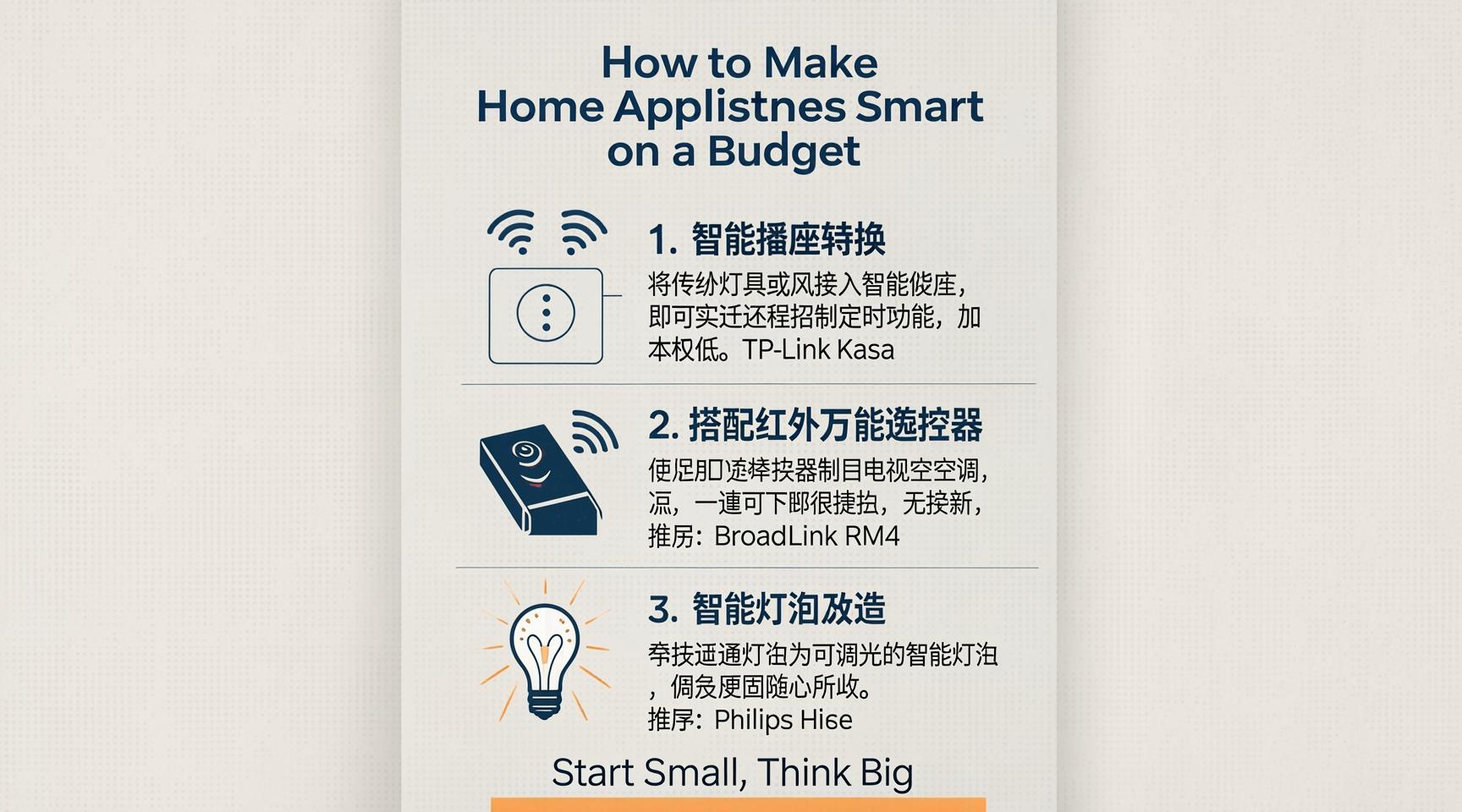
You don’t need to spend thousands of dollars on a brand new, internet connected refrigerator or washing machine. Buying new appliances just because you want some automation is a waste of money. I learned this the hard way when I wanted a coffee maker that brewed my morning cup before I got out of bed. Instead of buying a costly smart coffee machine, I spent fifteen dollars on a small plug. That was my first lesson in how to make home appliances smart without replacing them.
Most of the appliances you already own can become smart with the right accessories. You can control your old fans, heaters, lamps, and even window air conditioners from your phone. You can set them on schedules or make them talk to each other. It’s much easier than it sounds, and you can do it one room at a time.
Use Smart Plugs for Simple Appliances
The easiest way to start is with smart plugs. These are small adapters that plug into your wall outlets. You then plug your appliance into the adapter. They act like a switch that you can turn on and off using an app on your phone or a voice assistant.
There’s one rule you must remember for this to work. The appliance needs to have a physical on and off switch that stays in the ‘on’ position. Think of a simple desk fan. If you leave the fan dial turned to ‘high’ and unplug it, it will start running the moment you plug it back in. If your appliance does this, a smart plug will work perfectly.
Here are a few ways I use smart plugs in my own house:
- The coffee maker: I load the water and coffee grounds the night before. I leave the physical switch on. In the morning, my smart plug turns on at 7:00 AM, and my coffee is ready when I walk into the kitchen.
- Space heaters: I use a smart plug to turn on a small heater in my home office thirty minutes before I start working. This keeps the room warm without heating the whole house.
- Dumb lamps: You can plug any standard lamp into a smart plug to control your lights with your voice.
Before you buy, make sure to check the power limits. Some smart plugs are only made for light electronics. If you want to control a heavy appliance like a portable air conditioner or a large heater, you need a plug that can handle high wattage. You can read more about smart plug safety tips to avoid overloading your home outlets.
Add Smart Switches to Wall Controls
Sometimes you can’t use a smart plug because the appliance is wired directly into your walls. This is common with ceiling fans, porch lights, and garbage disposals. In these cases, you can replace the wall switch itself.
Smart wall switches replace your existing light switches. They connect to your home Wi-Fi network. Once installed, you can still press them like a normal switch, but you also get phone and voice control. This is a great option for outdoor lights. You can program them to turn on at sunset and turn off at sunrise. Google provides a great tool for tracking sunset times based on your location, which helps with these automations.
Replacing a wall switch requires touching electrical wires. If you feel uncomfortable doing this, you should hire an electrician. Always turn off the breaker at your main power panel before touching any wires. You can learn more about home electrical safety on the Occupational Safety and Health Administration website.
Use IR Blasters for Air Conditioners and TVs
Do you have appliances that use an infrared remote control? This includes most television sets, window air conditioners, and stereo systems. You can’t easily use a smart plug for these because cutting the power suddenly can damage them. They also don’t turn back on automatically when power returns.
The solution is an infrared blaster, often called an IR blaster. This is a small device that sits in your room and plugs into a wall outlet. It mimics the signals of your existing remote controls. You program the IR blaster to learn the signals for your specific TV or air conditioner. Once set up, you can use your phone to send commands to the IR blaster, which then beams the signal to your appliance.
I use an IR blaster to control my older window air conditioner. I can turn it on when I am leaving work so my living room is cool when I arrive home. It costs around twenty dollars and saves me from buying a new air conditioner.
Connect Sensors to Trigger Your Appliances
Control apps are great, but opening your phone every time you want to turn something on gets annoying. True automation happens when your home reacts to your movement or the weather. This is where sensors come in.
You can pair simple sensors with your smart plugs and switches. Here are three types of sensors that make your home much smarter:
- Motion sensors: Put one in your hallway or bathroom. When you walk past at night, the sensor tells a smart plug to turn on a dim nightlight. It turns off automatically after two minutes of no movement.
- Temperature and humidity sensors: Place a sensor in your bedroom. You can set a rule that says, ‘If the temperature goes above 75 degrees, turn on the smart plug connected to the fan.’
- Contact sensors: These go on doors and windows. You can set your smart thermostat to turn off the air conditioning if a window is left open for more than five minutes.
How to Make Home Appliances Smart with a Central Hub
As you add more smart plugs, switches, and sensors, you might run into a problem. If you buy different brands, you might end up with five different apps on your phone. This makes managing your home confusing.
A central hub solves this problem. It acts as the brain of your home. It connects all your devices together so you can control them from one place. You can read about choosing the right smart home hub to find one that fits your budget.
There are several popular systems you can use. Apple Home, Google Home, and Amazon Alexa are the most common. There is also an open source option called Home Assistant, which runs on a local computer. You can read about Home Assistant on Wikipedia to see if it fits your needs. Using a hub allows you to create advanced rules. For example, you can create a ‘Goodbye’ button that turns off every smart plug, light, and heater in your house with one tap.
Your Next Step
Don’t try to automate your entire home in one weekend. It’s expensive and overwhelming. Start small. Pick one annoying problem in your house and fix it. Maybe you hate getting out of bed to turn off the fan. Maybe you want your front porch light to turn on automatically when you come home in the dark.
Buy a single smart plug today. Download the app, plug in your favorite lamp or fan, and set up your first schedule. Once you see how easy it is to make home appliances smart, you can slowly add more devices over time.